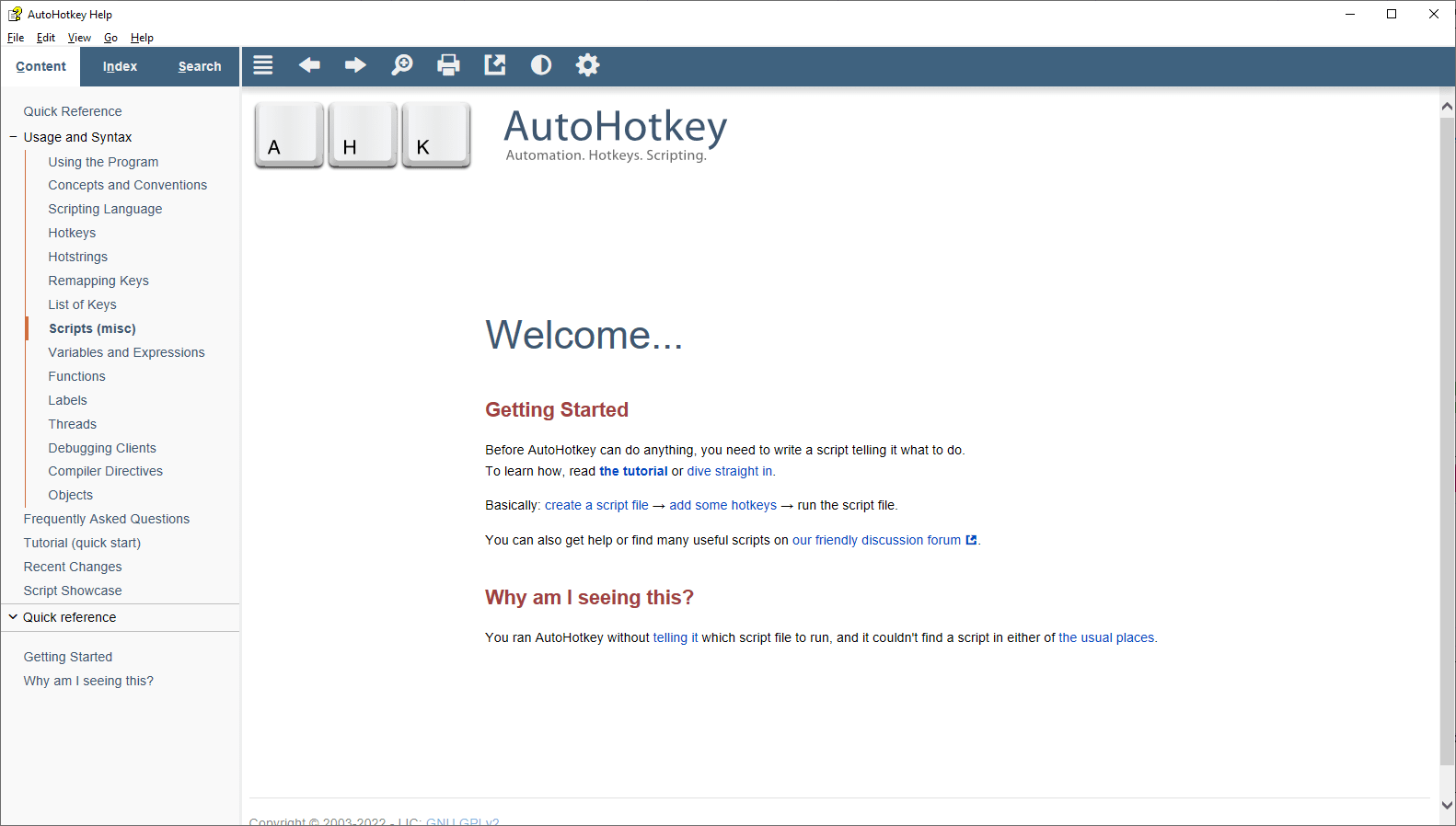
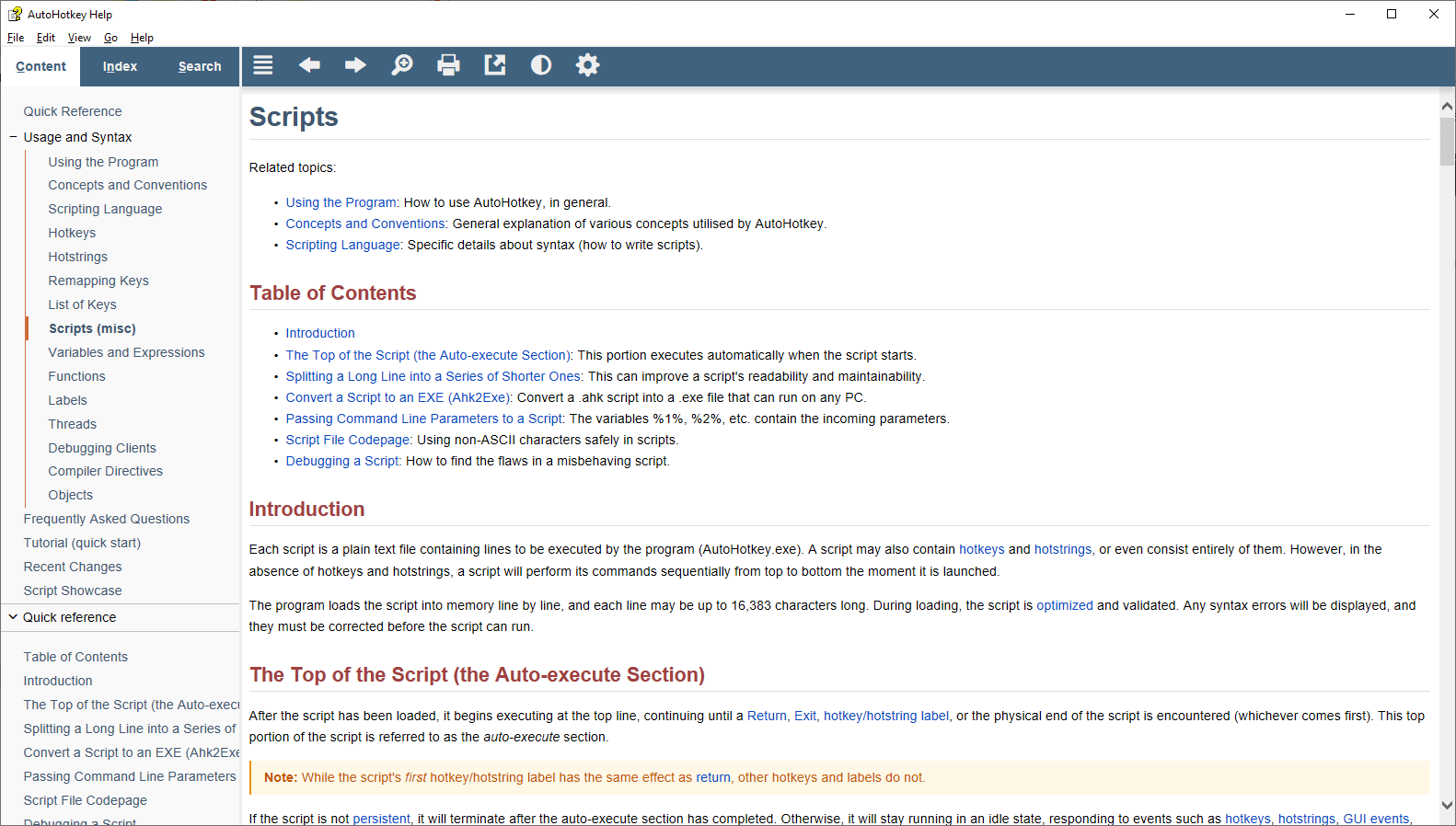
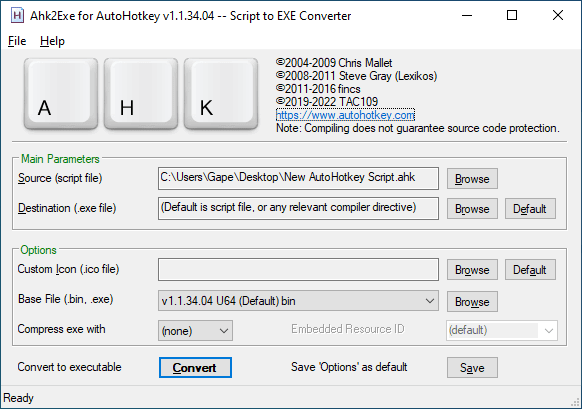
If you are looking for a tool to automate your tasks using shortcuts like keystrokes or mouse clicks, you are in luck today. AutoHotKey is an automation tool that can automate almost anything by using scripts that any user can write. You can execute these scripts based on a trigger of your choice, such as a key, button, or combination that becomes a custom hotkey.
Incredible productivity
Well, if you are interested in automating your tasks, after writing your first few scripts you will have a fantastic time increasing your productivity using AutoHotKey. With this application, you can create simple as well as complex scripts and execute them using hotkeys, which can be keystrokes, mouse clicks, or a combination of both.
One of the most useful examples is creating a hotkey for abbreviations. For example, let's say you want to use "TBH", which is an abbreviation for "to be honest". You can create a script that will expand every TBH that you type into the full phrase. It can increase productivity, save time, and provide you with the pleasure of succeeding.Useful data filling
One of the most common daily tasks for an average internet user is filling out data forms. These can be job application forms, payment information for online shopping, feedback surveys, or any other repetitive data entry. What you can do with AutoHotKey is create automation scripts for these forms so they can be filled automatically.Completely free and open-source
The great part about AutoHotKey is that it is an entirely free and open-source application. At any point during your usage, you can check the code and how it is working on the backend if you are a technical person who wants to ensure integrity or security, or if you are simply curious about it. You do not have to pay a single penny to use it either.Almost limitless
AutoHotKey is an automation application with almost no limits. If you wish, you can automate pretty much any task that you would like to, ranging from launching a browser, expanding abbreviations, filling out credit or debit card information, or anything else. Most users will have a lot of fun using this tool.A powerful tool for daily automation
AutoHotKey is an incredible automation application that can be used in daily life to automate basic as well as complex tasks. It is free and open-source, which makes it highly appealing. The only downside might be that it can feel a little intimidating to novice users, but that learning curve is relatively easy to get through.